⭐ Broadcast-quality graphics that run on your own PC
iRacing Overlays is a collection of free, self-hosted broadcast overlays built with Python + Flask. Each overlay is a small local web server you add to OBS Studio as a browser source. All telemetry is read locally from the iRacing SDK via pyirsdk — no subscriptions, no accounts, nothing in the cloud, and nothing leaves your machine unless you explicitly turn on the optional public-sharing feature.
A dozen-plus overlays run in parallel, each on its own port, started and stopped from a one-click desktop launcher. Alongside them sits iCASControl, a full race-control and stewarding dashboard for race directors. It is the same toolkit we use to stream the CAS Community races — and it is yours, free, on GitHub.
🔥 What's inside
Four pillars — explore each in detail
15 broadcast overlays
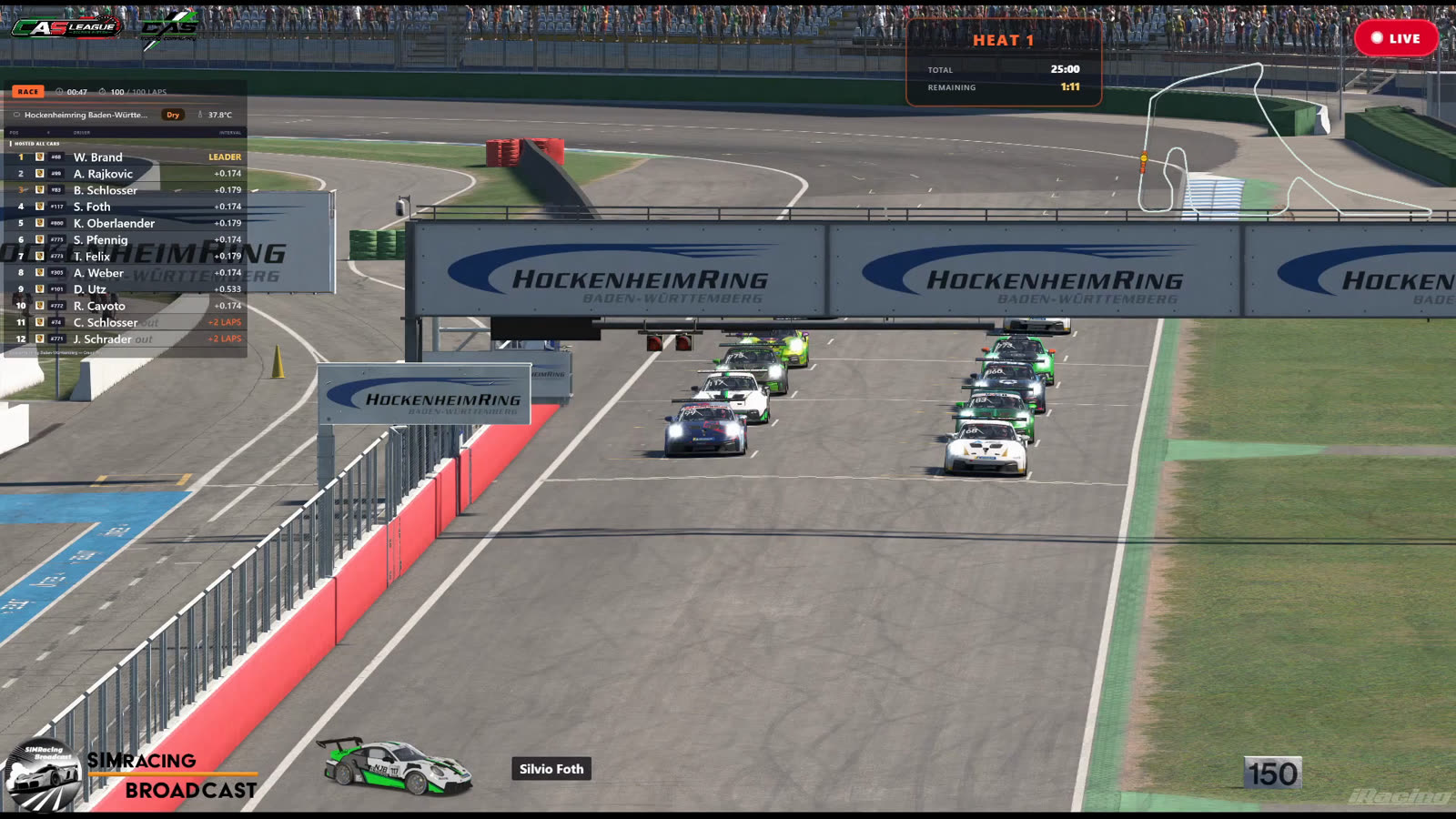
Standings tower, qualifying grid, race results, livery & driver name, flags, session info, a LIVE/REPLAY badge, Quali Delta, Driver of the Day and more — every graphic a race broadcast needs, driven from live telemetry.
See all overlays →Broadcast Dashboard
A director's control center: live telemetry for every car, full camera control, and automatic overtake & incident detection with one-click instant replay. Run the whole stream from one screen.
How it works →Track map & race logger
An offline SVG track map with live car dots (~300 circuits bundled, no internet needed), plus a race logger that records every lap, pit stop and incident and renders live lap-time charts.
Explore →iCASControl stewarding
A full-screen race-control console: animated track map, live timing, an incident log and the complete steward decision workflow — with a built-in simulator so it runs on any OS, even without iRacing.
Meet iCASControl →🔒 Private by design
-
Runs entirely on your machine Every overlay is a local web server. Telemetry is read from the iRacing SDK on the same PC; the data never touches a third-party server.
-
No accounts, no subscriptions, no fees Clone it from GitHub and run it. There is nothing to sign up for and nothing to pay — now or later.
-
You choose what's shared An optional read-only public view (via a free Cloudflare Tunnel) lets viewers open a self-service chart — and only the paths you expose are reachable. Everything else stays local.
⚡ Up and running the same evening
If you can install Python, you can run this. Clone the repo, install the dependencies, and start the launcher — then add the overlays you want to OBS as browser sources.
git clone https://github.com/halvar20000/iracing-overlays.git
cd iracing-overlays
pip install -r requirements.txt
# then double-click launch_gui.bat