Broadcast Dashboard
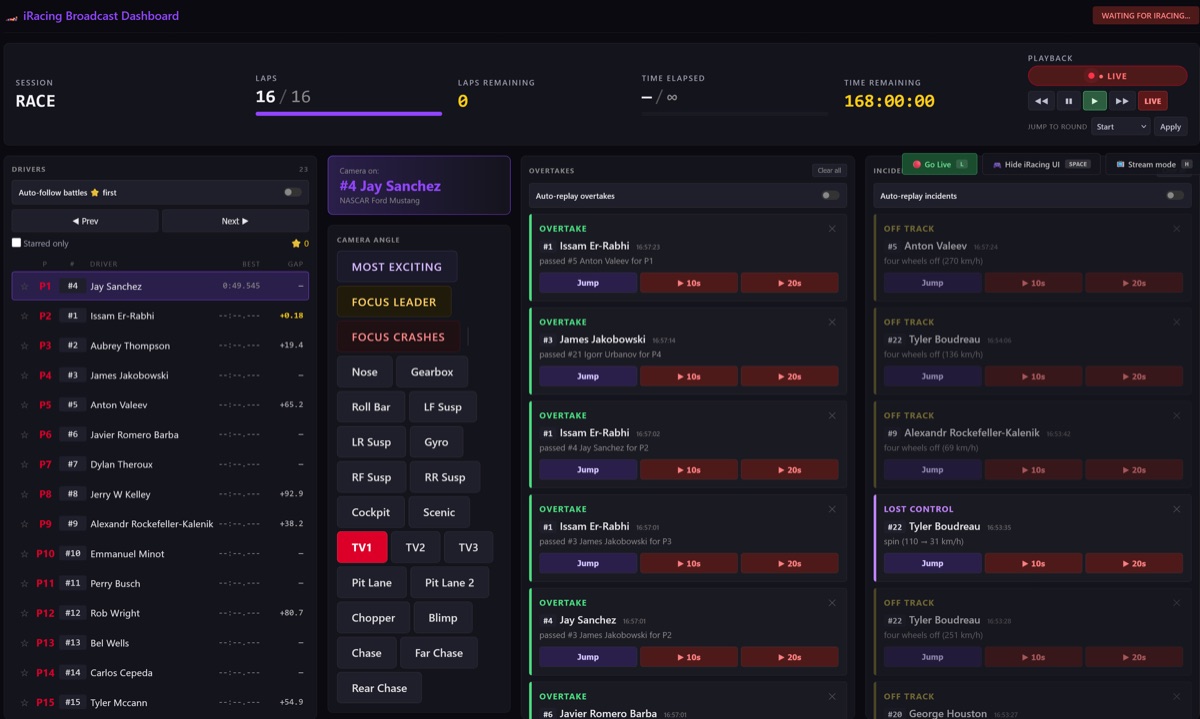
The control center for the whole stream: live telemetry for every car, full camera control (Most Exciting, Focus Leader, Focus Crashes, per-component cameras), and automatic overtake & incident detection with one-click auto-replay. One director can run the broadcast while the action plays out, catching the moments that matter without watching every car.
localhost:5000 iracing_dashboard.py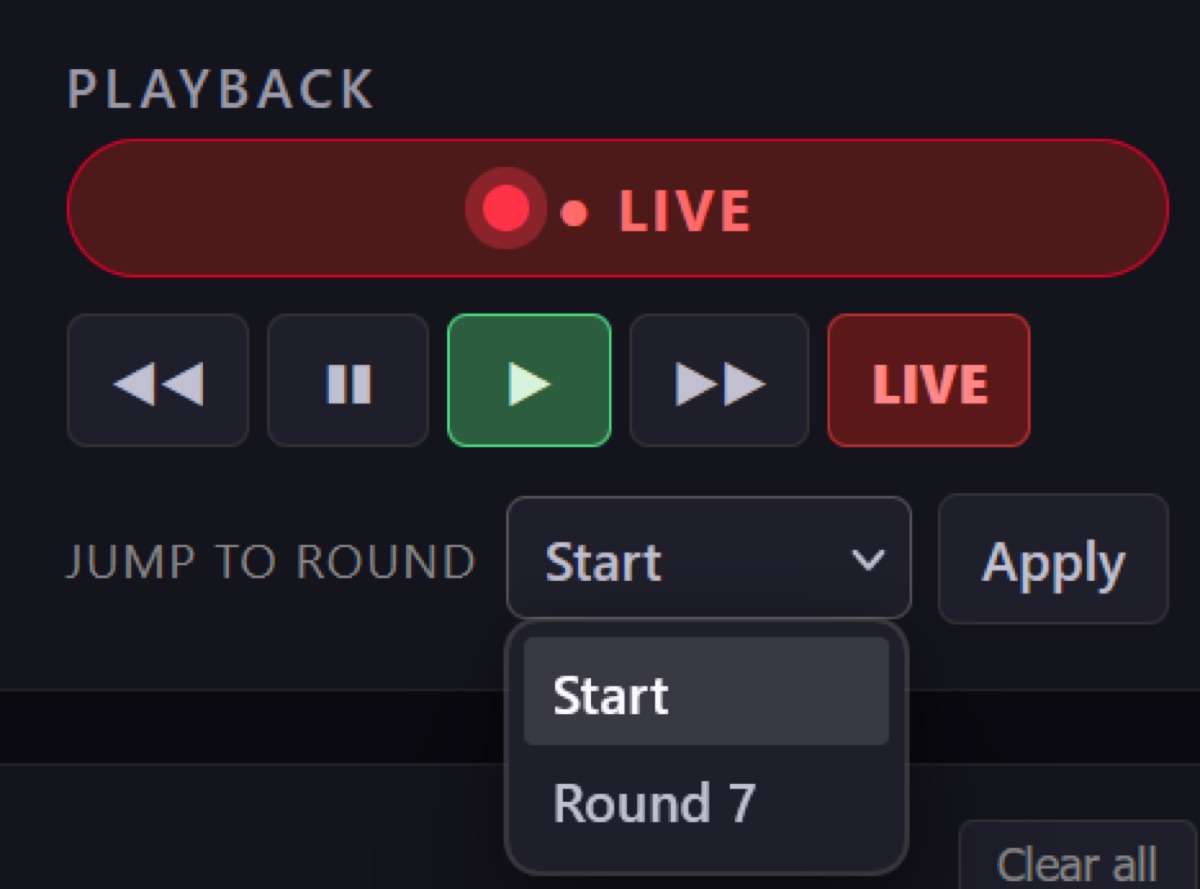
Instant-Replay Controls
Part of the dashboard: a transport bar that scrubs the iRacing replay without leaving the operator view — rewind, pause, play, fast-forward, and a Jump-to-Round selector to snap straight to the start of any race. The one-click replay buttons on the overtake and incident feeds drive this panel, so the director can roll a clean replay of the move that just happened.
localhost:5000 playback panel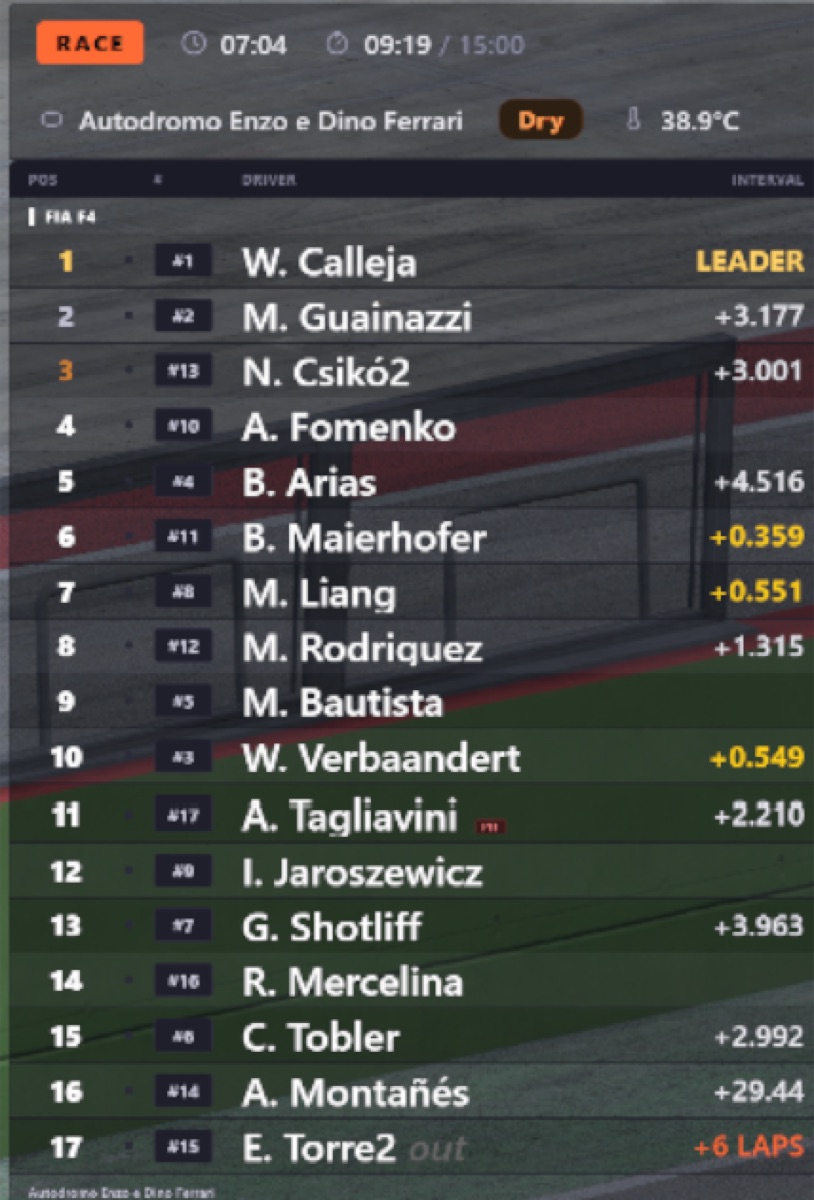
Live Standings Tower
The bread-and-butter timing tower: live order with a session-info bar, manufacturer brand logos and pit info. Toggle driver/team names, gap vs. interval and the speed column. Custom brand logos drop straight into a brands/ folder as SVGs.
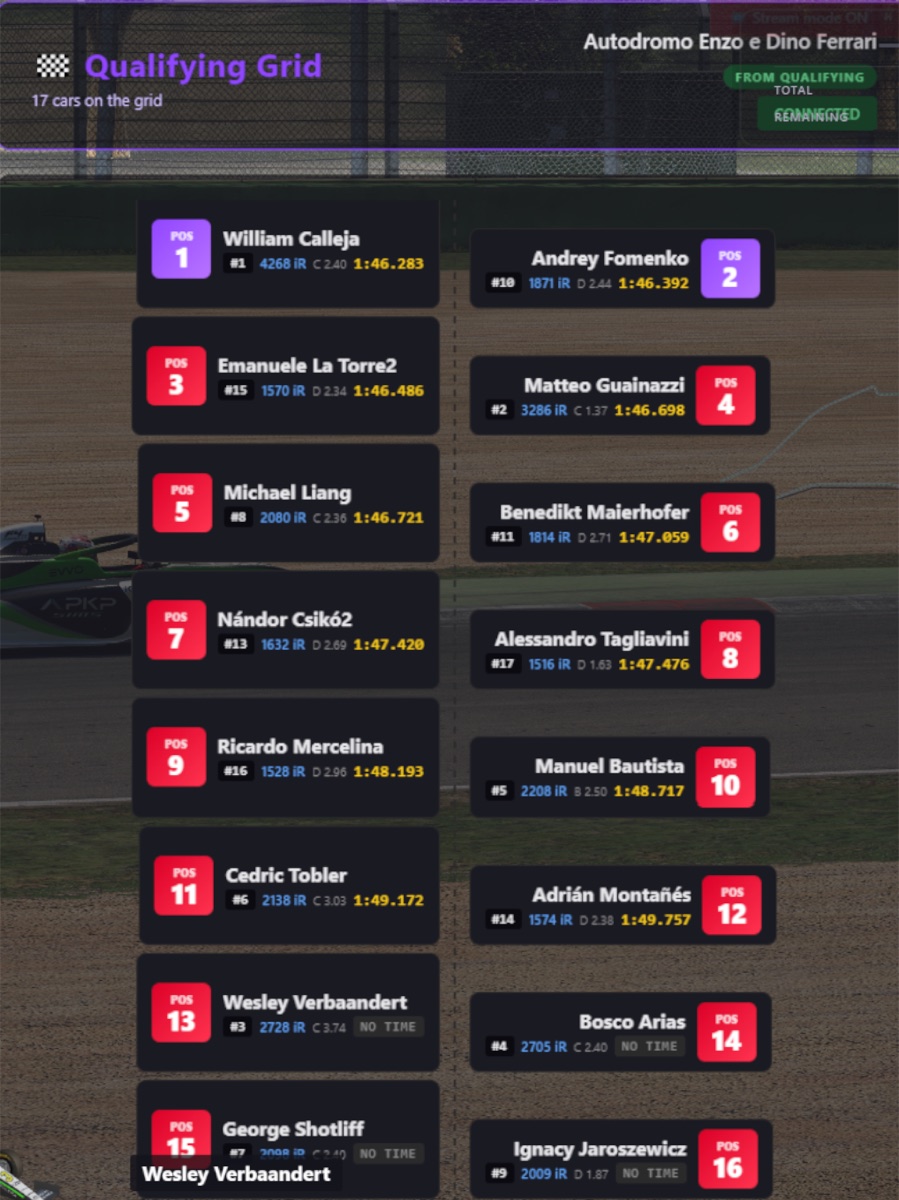
Qualifying Grid
A clean pre-race grid with colored car silhouettes, perfect for the build-up to lights out. Reads the qualifying order straight from the session so it is always correct, no manual entry.
localhost:5001 iracing_grid.py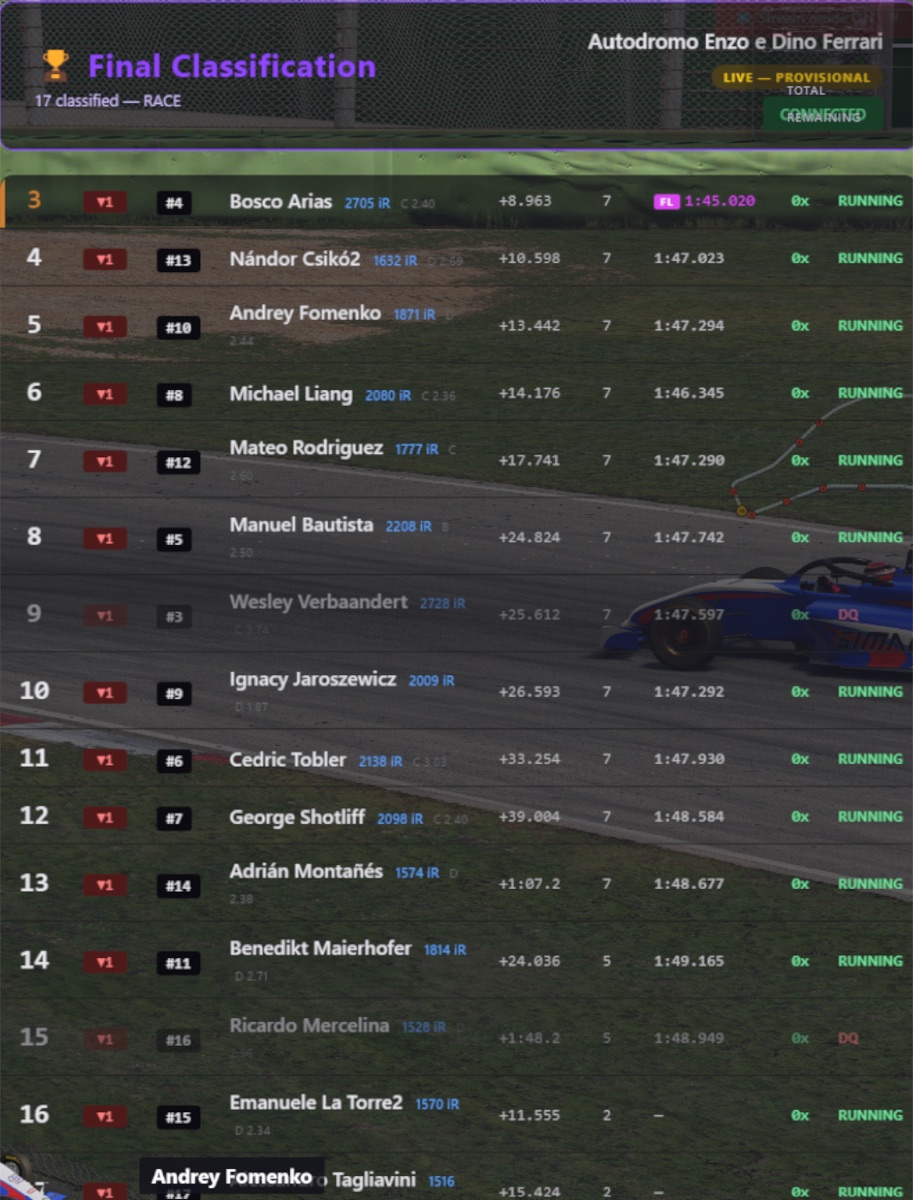
Race Results
The full classification at the flag — finishing order, gaps, incident counts and fastest lap — with a minimal “lite” variant for tighter layouts. Drops onto the post-race screen with zero data entry.
localhost:5002–5003 iracing_results.py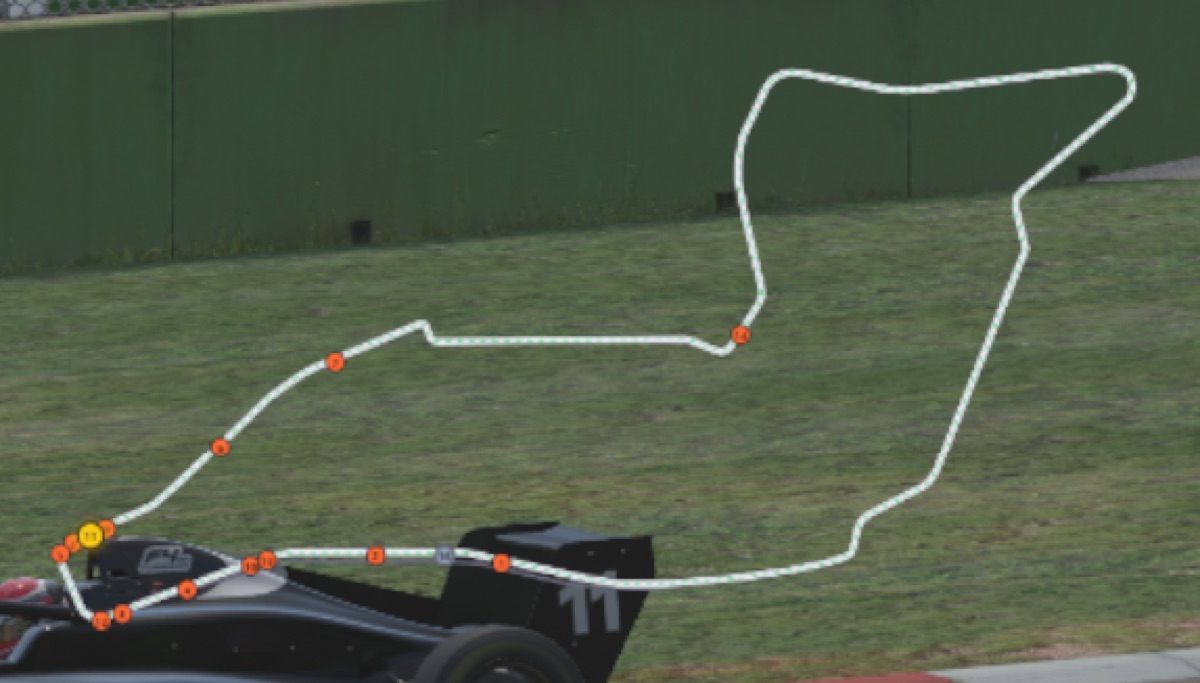
Offline Track Map
An SVG track map with live car dots that needs no iRacing login and no internet — geometry for ~300 track configurations is bundled as JSON. The overlay reads the track name from the SDK and loads the matching file. Sources: the SIMRacingApps track library (Apache 2.0) and OpenStreetMap (ODbL).
localhost:5007 iracing_trackmap.py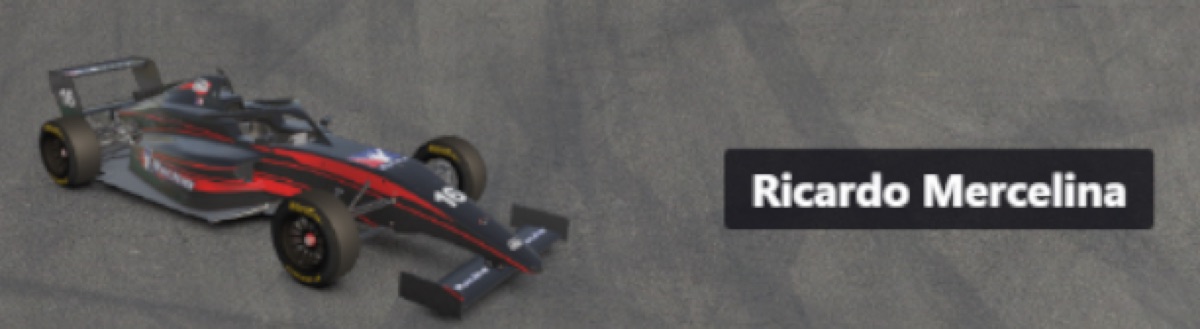
Livery & Driver Name
A 3D-rendered car plus the driver name of whoever is currently on camera — the broadcast lower-third that ties the picture to the timing. Updates automatically as the director cuts between cars.
localhost:5006 iracing_livery.py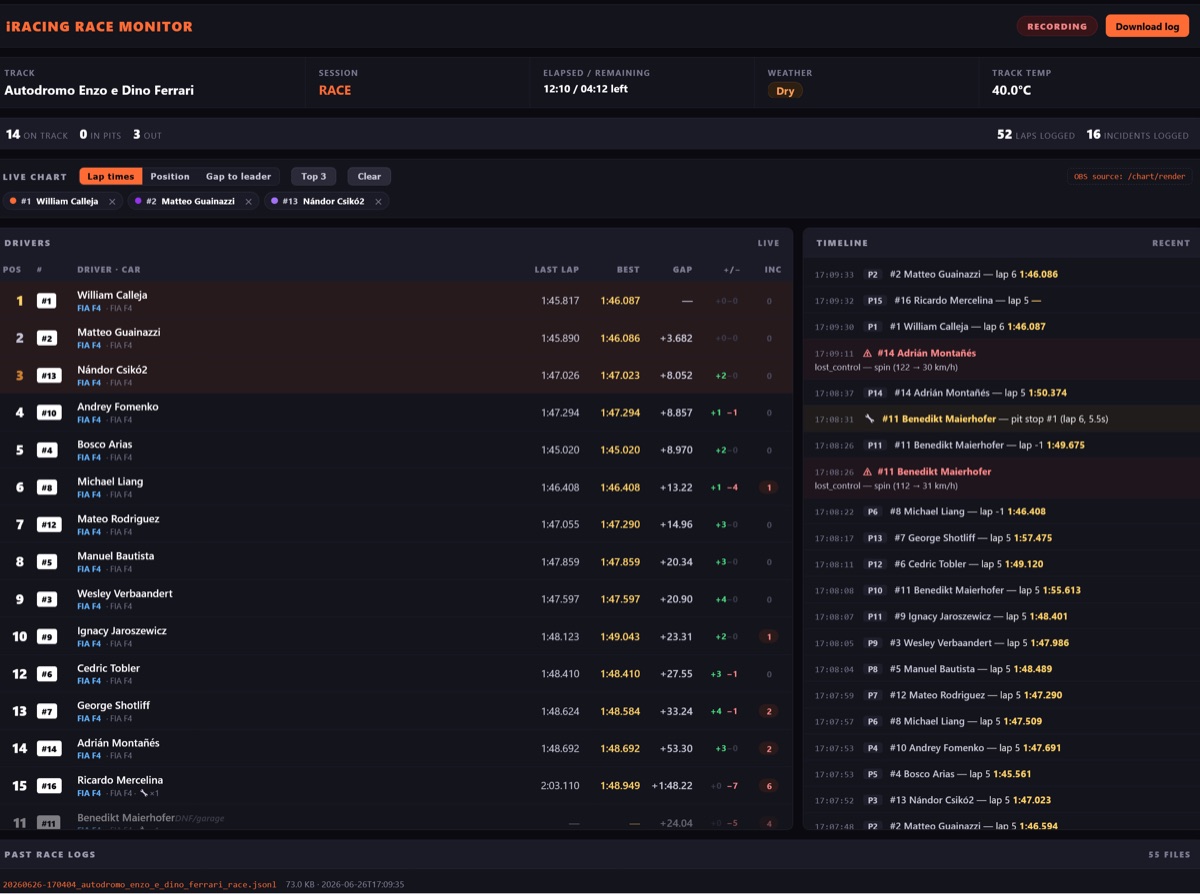
Race Logger
Writes one JSONL file per race — laps, pit stops, flags, penalties, incidents, positions and the final classification — and serves a full live race monitor: a drivers table plus an event timeline. Optional read-only public endpoints let Twitch/Discord viewers open a self-service view via a free Cloudflare Tunnel, with all admin endpoints staying local.
localhost:5009 iracing_race_logger.py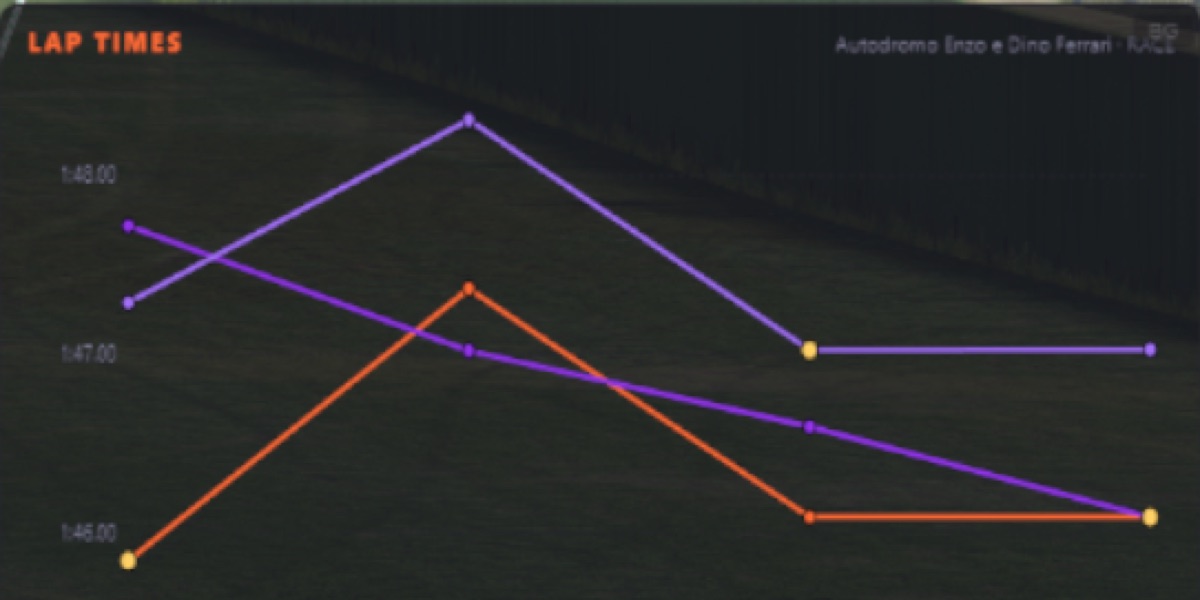
Live Lap-Time Charts
The race logger renders lap-time, position and gap charts that drop into OBS as their own browser source — here, several drivers' lap times traced over a race at Imola. Perfect for a stat-break bumper or a picture-in-picture corner that shows the race developing, all from the same local data.
localhost:5009/chart/render live charts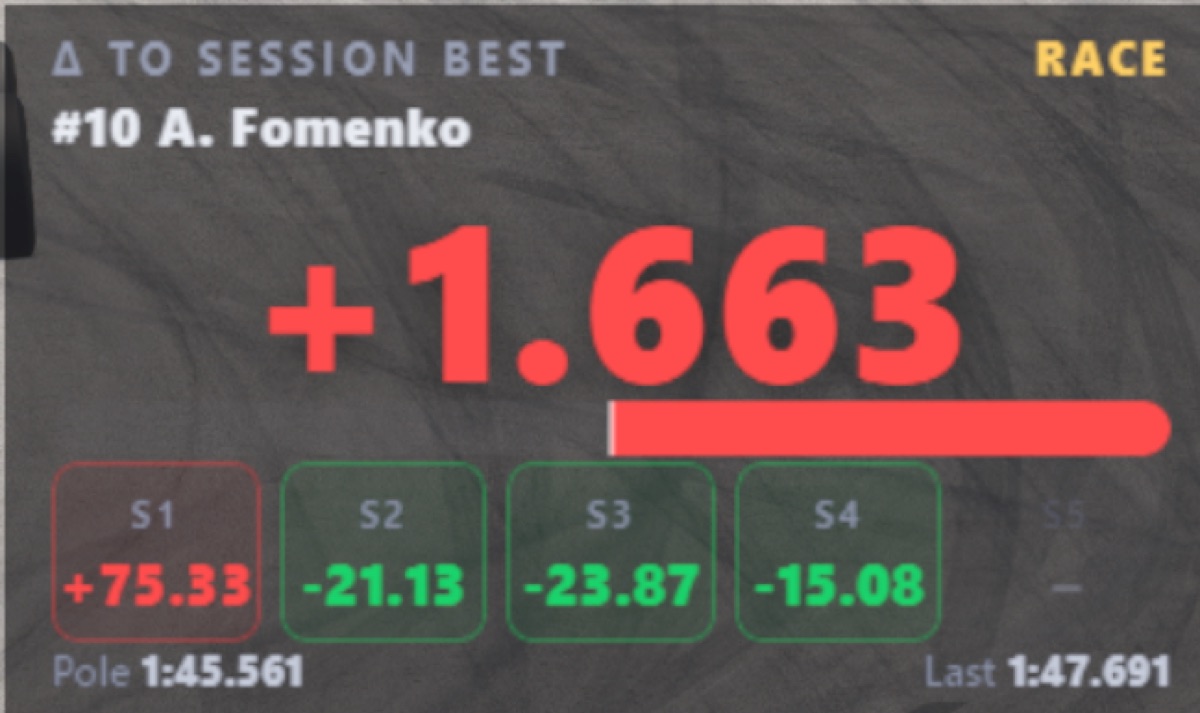
Quali Delta
A big, readable delta to the session best for the car on camera, broken down per sector (green for time gained, red for time lost) with the pole and last-lap reference times. Made for qualifying tension — viewers see at a glance whether a hot lap is up or down on the benchmark.
localhost:5014 iracing_qualidelta.py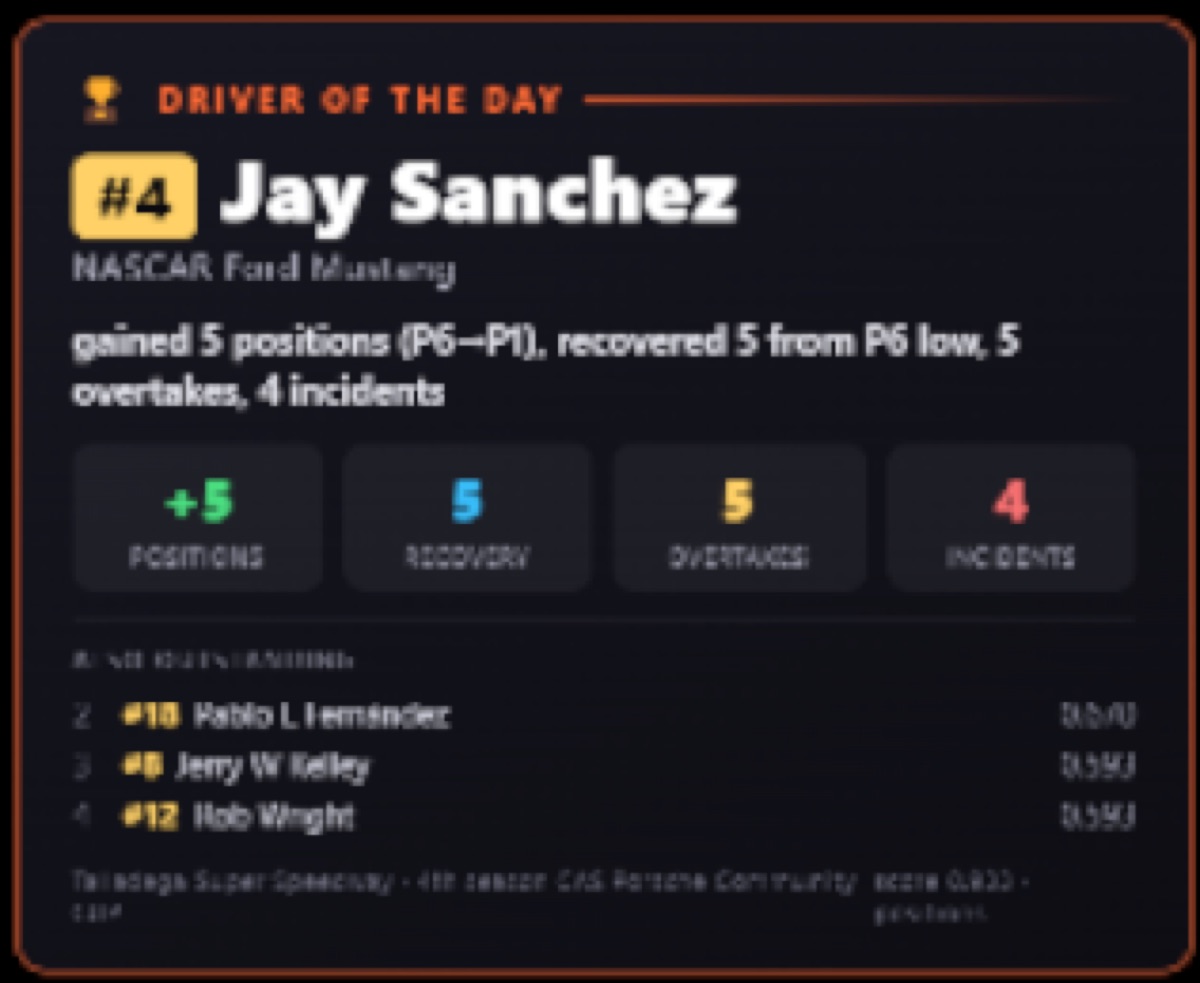
Driver of the Day
An automatic post-race award card: it scores the field on positions gained, recovery from a low point, overtakes and incidents, then crowns a Driver of the Day with the headline stats and a short runner-up list. A ready-made talking point for the cool-down show — no manual number-crunching.
localhost:5013 iracing_dotd_overlay.py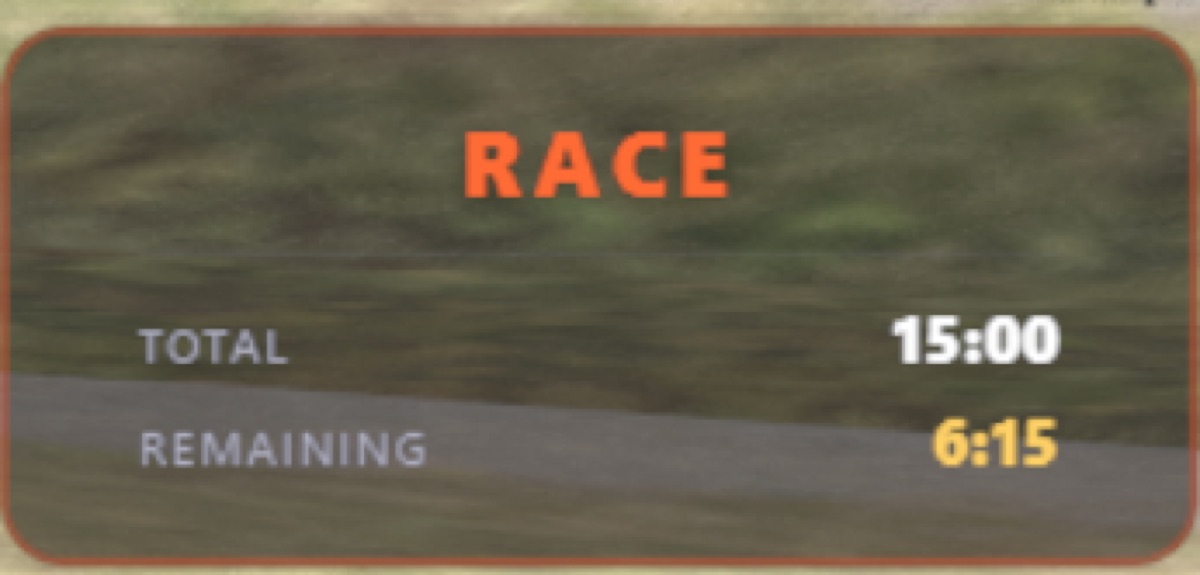
Session Info
A compact, always-transparent bar showing the session name plus total and remaining time (or laps) — so viewers tuning in mid-stream instantly know whether it is practice, qualifying or the race, and how much is left to run.
localhost:5011 iracing_session_info.py
LIVE / REPLAY Indicator
A small, always-transparent badge that flips between a red LIVE and a gold REPLAY depending on what the iRacing replay system is doing — so the audience is never confused about whether they are watching the action live or a recap. Sits in a screen corner and runs by itself.
localhost:5004 iracing_live_indicator.py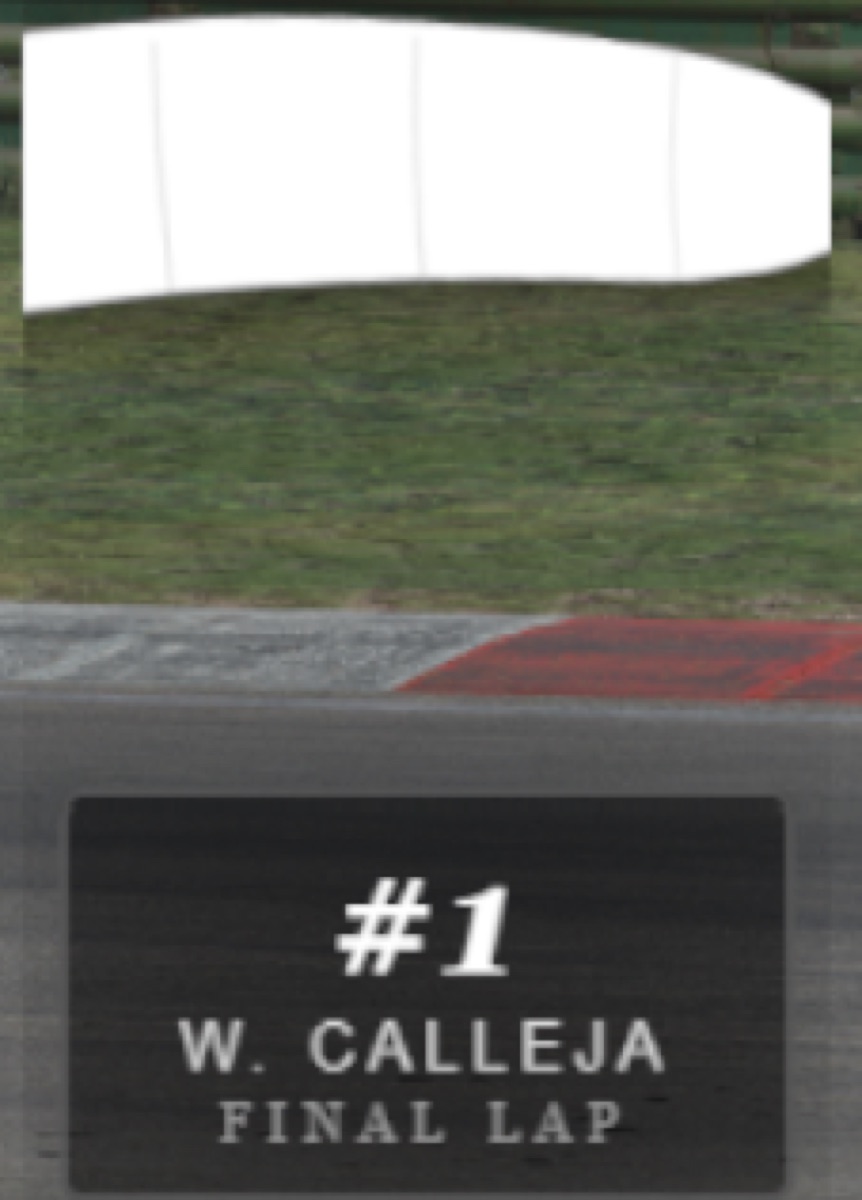
Flag Overlay
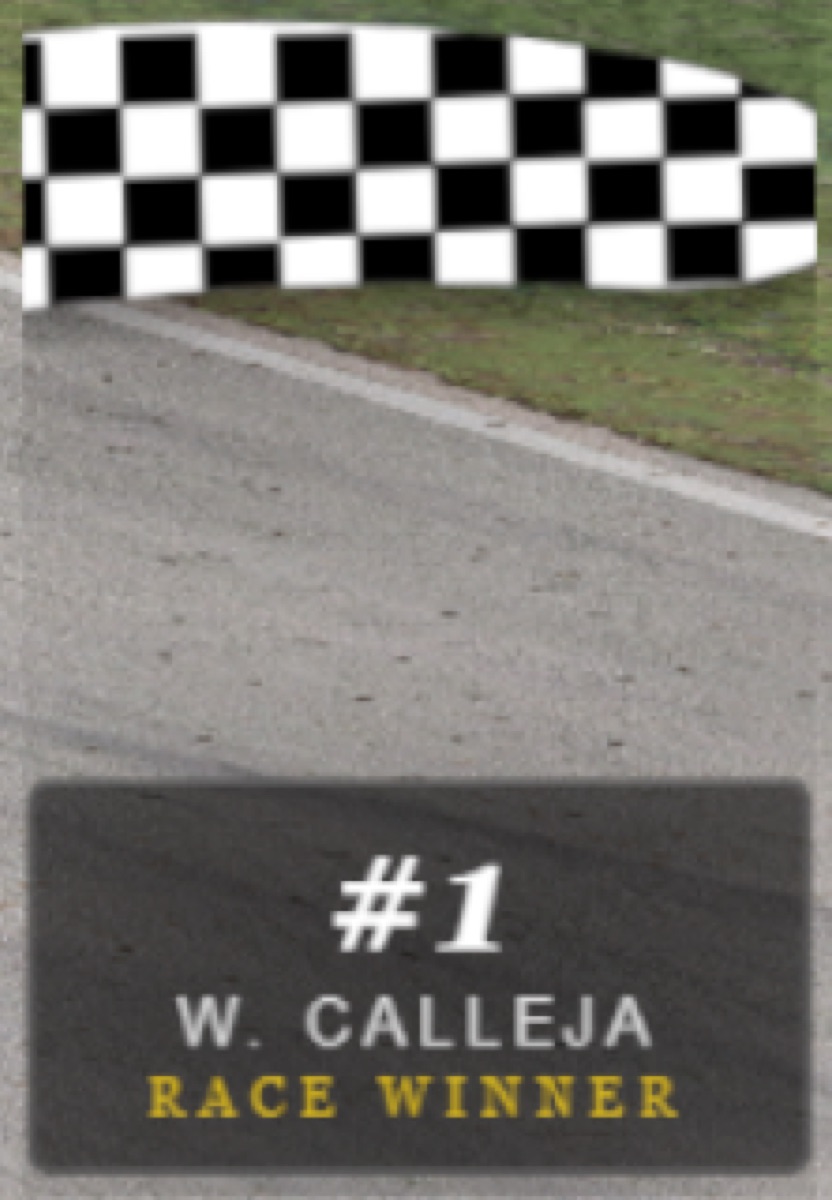
An always-transparent waving-flag graphic that tracks the session flag state — green, yellow, white and checkered. On the closing laps it pairs the white flag with a FINAL LAP nameplate for the leader, then the checkered with a RACE WINNER plate at the flag — an instant, broadcast-quality finish without touching a thing.
localhost:5008 flag_overlay.py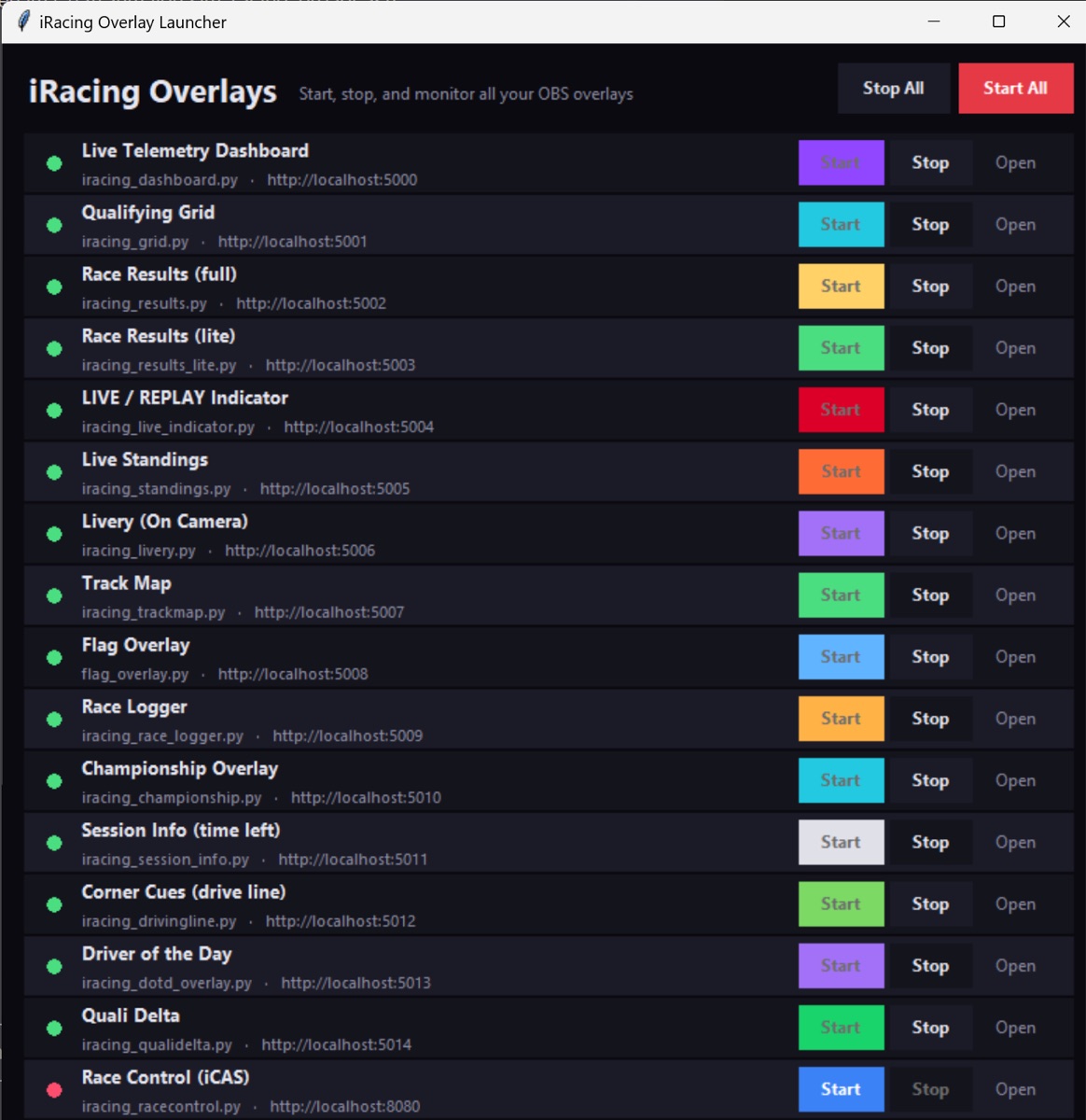
One-Click GUI Launcher
No terminal needed: a small desktop app with a status dot and Start/Stop per overlay, plus Start All / Stop All and a log pane. Self-healing OBS loader pages mean start order no longer matters — sources reconnect on their own after a restart. It even includes a Corner Cues driving aid (turn direction, severity and apex-speed estimates) for sessions where the racing line is disabled.
launch_gui.bat 15 components